How to Register for ACE and Apply for IEPPA Tariff Refunds (Step-By-Step Guide)

The good news is that you're likely going to be entitled to a full refund of any IEPPA tariffs you paid last year after the SCOTUS ruling.
The other good news is that the CBP has been instructed to make the job of getting tariff refunds as simple as possible.
The bad news is you're going to have to jump through a couple of hoops first – specifically after importer will need to register for the Automated Commercial Environment (ACE). This guide will walk you through step-by-step on how to do it.
What You Need to Do To Get Tariff Refunds
There's two essential steps you are going to need to do to get your tariff refunds: signup for ACH payments which then requires signing up for Automated Commercial Environment (ACE).
CBP will not issue refunds via check so you need to do the above.
Here's how to do it.
Step 1: Sign-up for ACE
- Go to https://ace-accounts.cbp.gov/
s/importer-form. This is where things could get a little dicey for some people. You enter in your company name and your importer of record number. These are available on any customs Entry Summary you have.  The tricky part is that you also need to enter in the email associated when you created your importer of record (IOR), otherwise known as a 5106 Importer Record (IR).
If you created your IOR through Amazon (for Amazon Global Logistics) this will likely be the primary email address you use for your Amazon account.
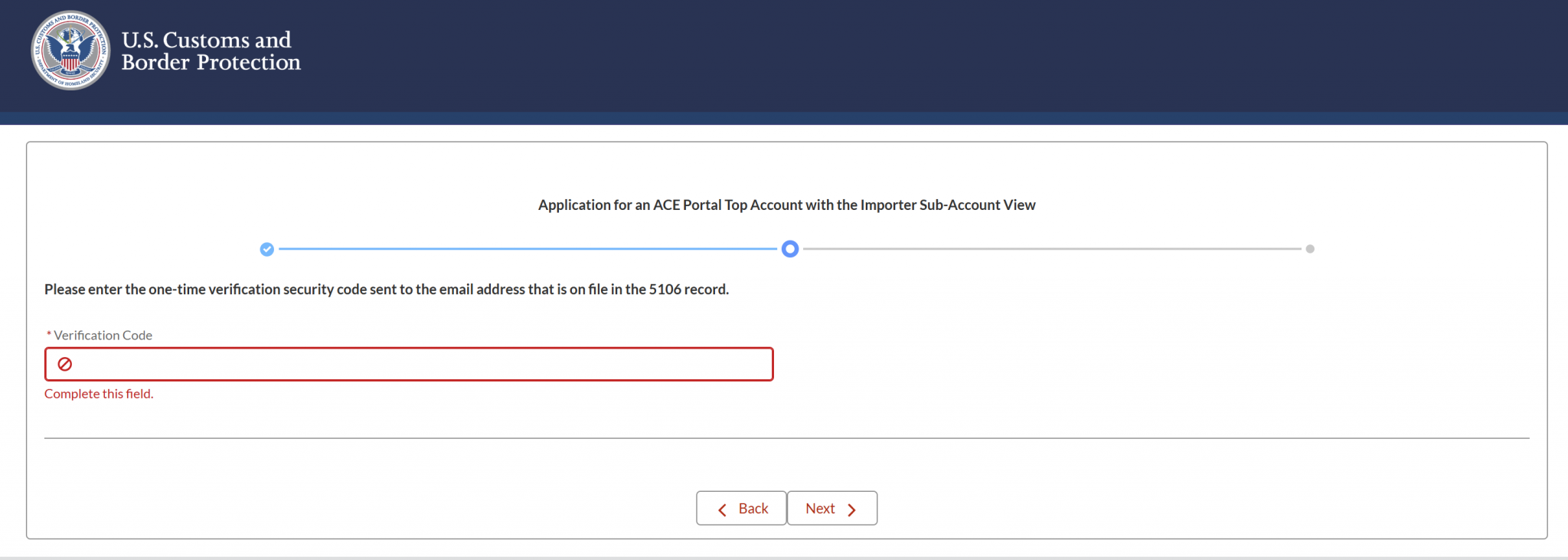 For many people though, your customs broker may have used their email. You will have to reach out to them to get them to either change the email address on file or give you the verification code.
 - Once you get that confirmation email, fill in the code. Shortly thereafter, you'll get a confirmation email about being ready to sign up for your ACE account.
- Navigate to https://ace.cbp.gov/s/
- Click on the “Trade/PGA User Login” button.
- Click on the “Create An Account” button.
- Fill the form to match the information from this email that was sent by the system:
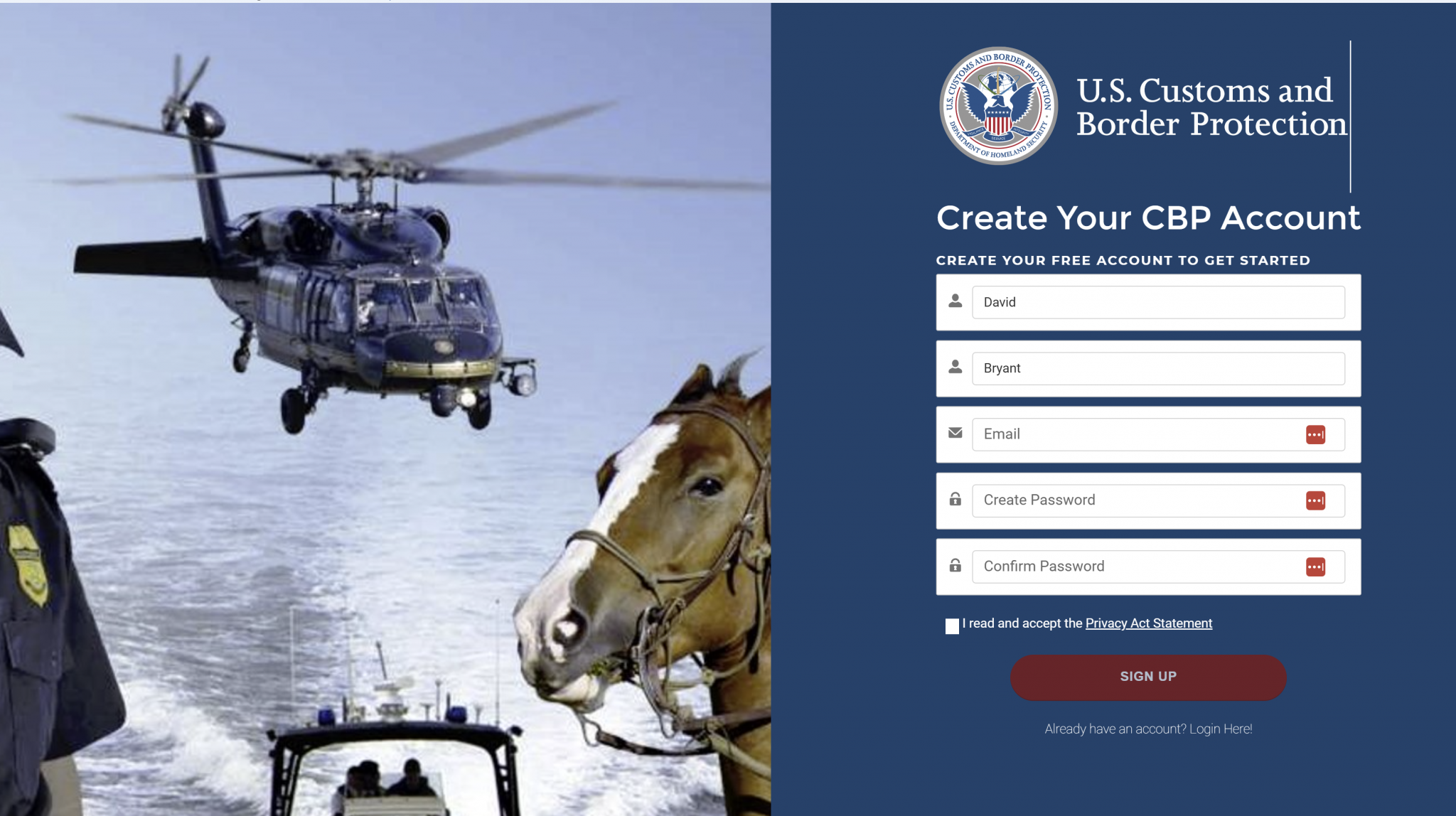
- Fill in the information and your account should be created.
- On the next page, scroll down to importers and find the company you created your ACE account for.

- Click your company name and under details scroll down to banking information
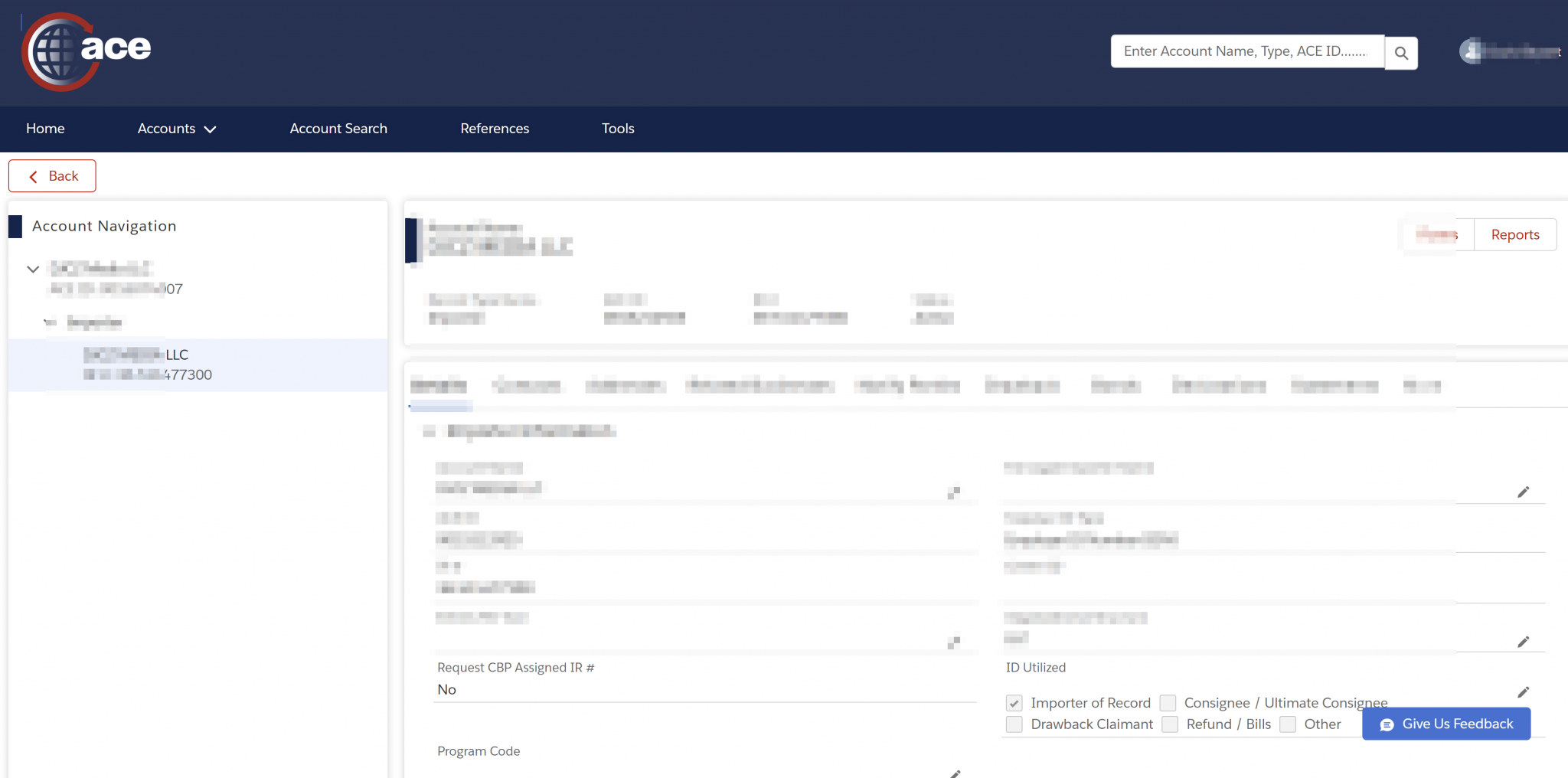
- Fill in your banking information and click submit.
That's it – you've now updated your banking information with CBP and tariff refunds will be sent to that bank.
The actual process for applying for tariff refunds will be determined in the coming weeks but regardless, ACE registration will be a critical step.